使用步驟
3步生成職業AI頭像
-
1. 上傳自拍
選擇五官清晰、光線均勻的照片。
-
2. 選擇人像風格
用人像模板確定光線、姿勢和視覺風格。
-
3. 檢查並匯出
檢查結果後再選作個人資料頭像。
Who should use this AI headshot landing page
This page is designed for professional profile intent: users preparing LinkedIn photos, resume assets, founder pages, or team introductions. The target is clean, business-usable output with minimal retouching.
Compared with generic face-swap intent, headshot traffic expects wardrobe consistency, neutral expression control, and credible skin texture. The workflow here prioritizes those constraints.
- Ideal for LinkedIn headshot, CV, and company profile photo updates.
- Useful for solo founders and distributed teams needing visual consistency across resume photo assets.
- Built for quick regeneration when style or background needs revision.
真實素材
前後對比與風格樣片
職業頭像
自拍處理前 職業頭像處理前 職業頭像處理後
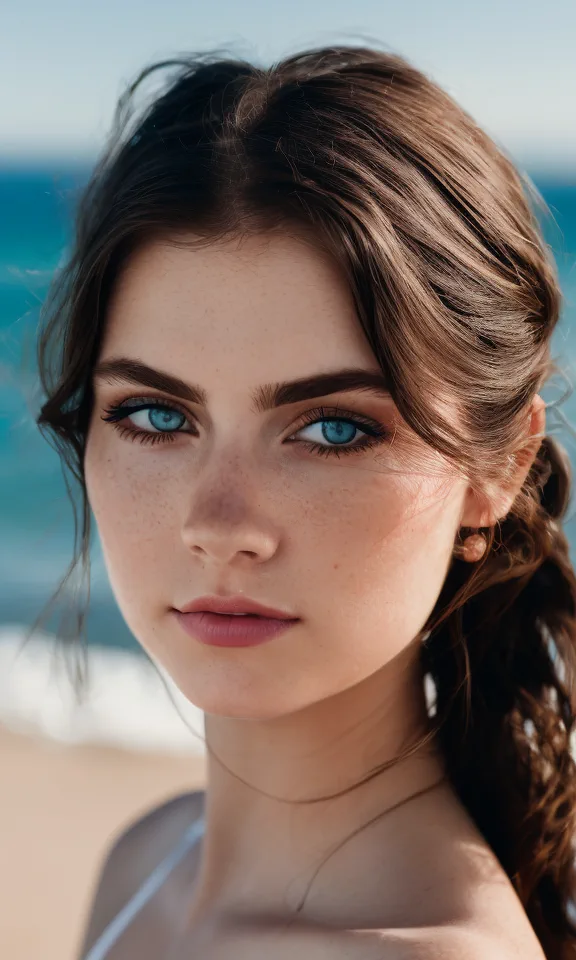
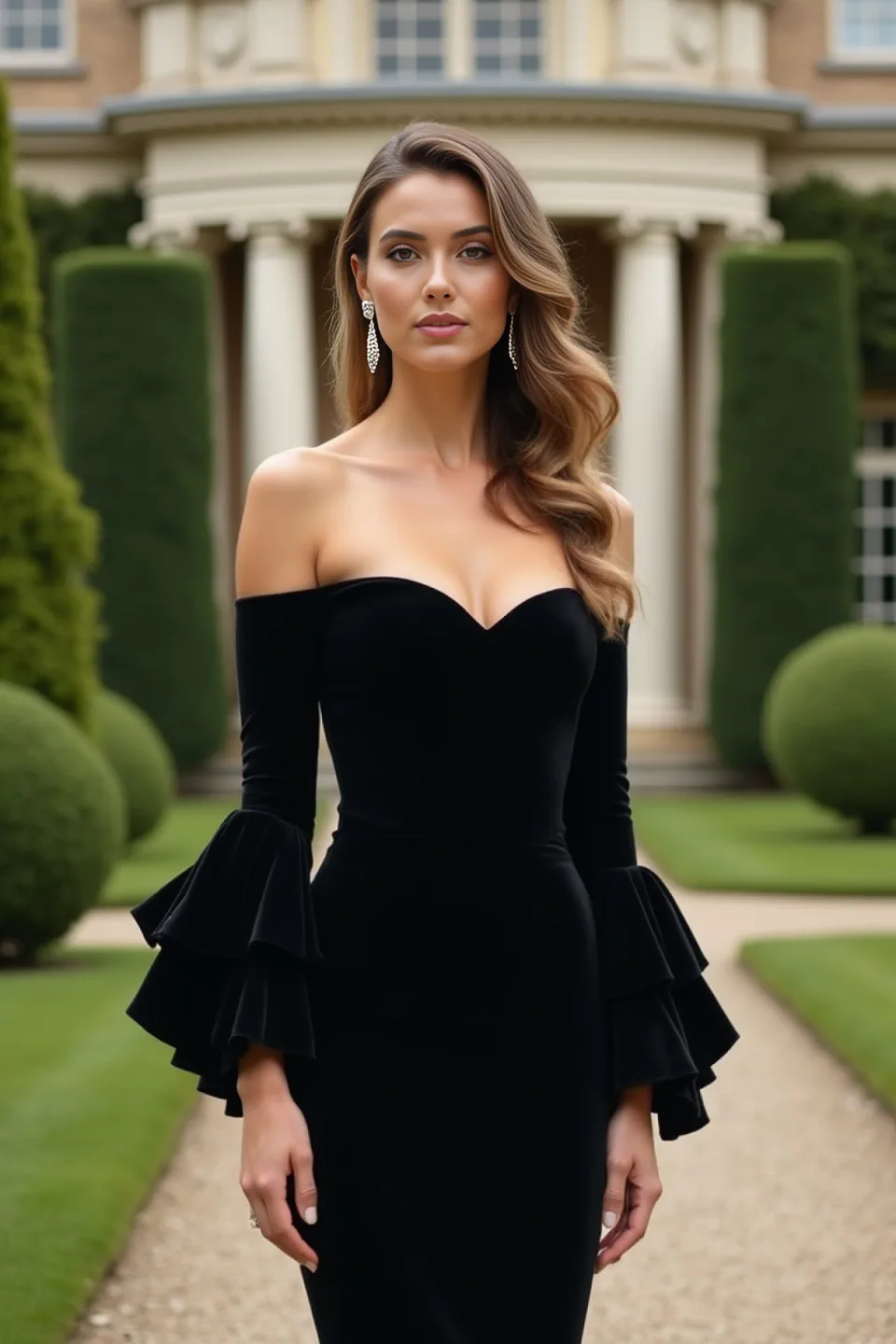
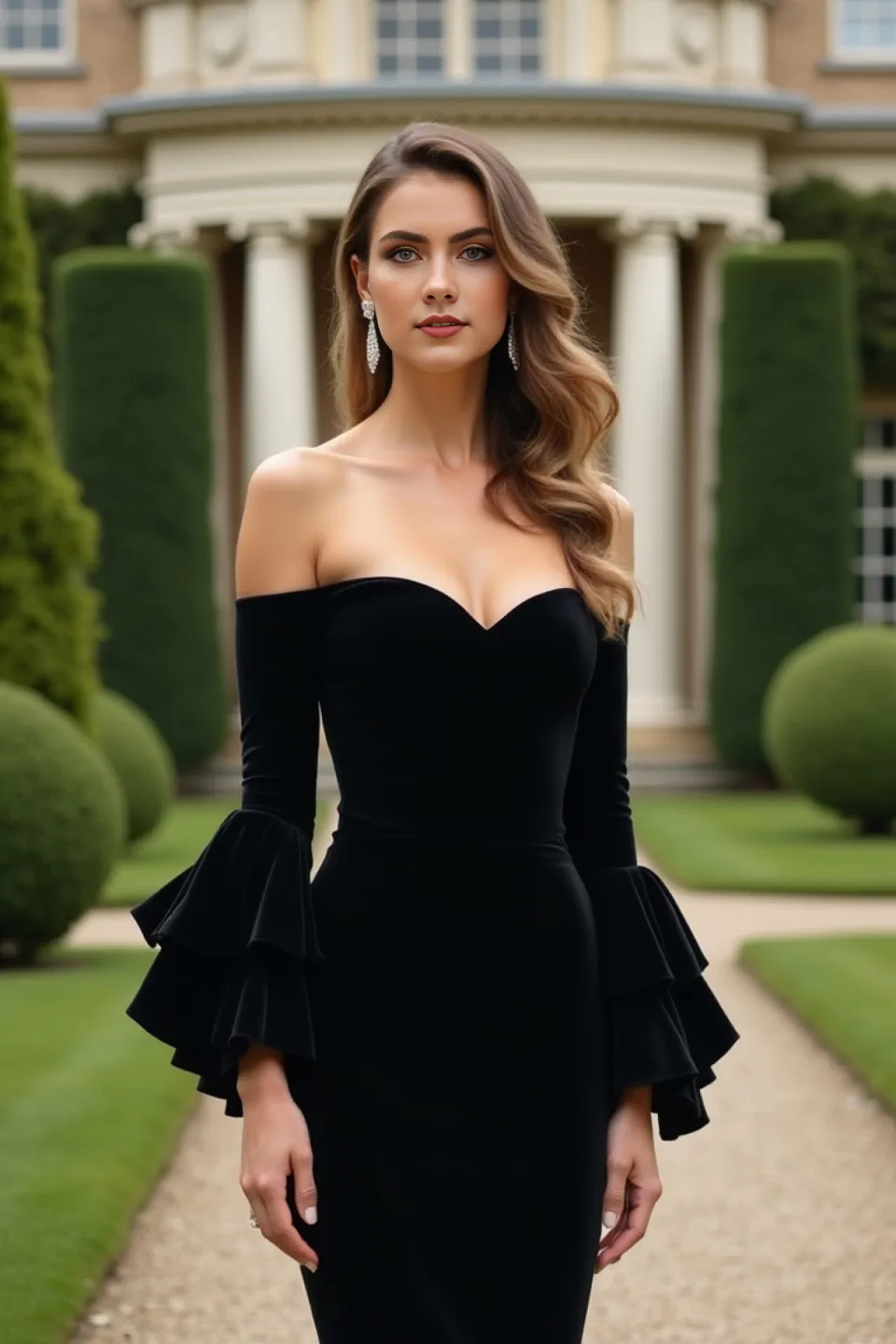
自拍風格化
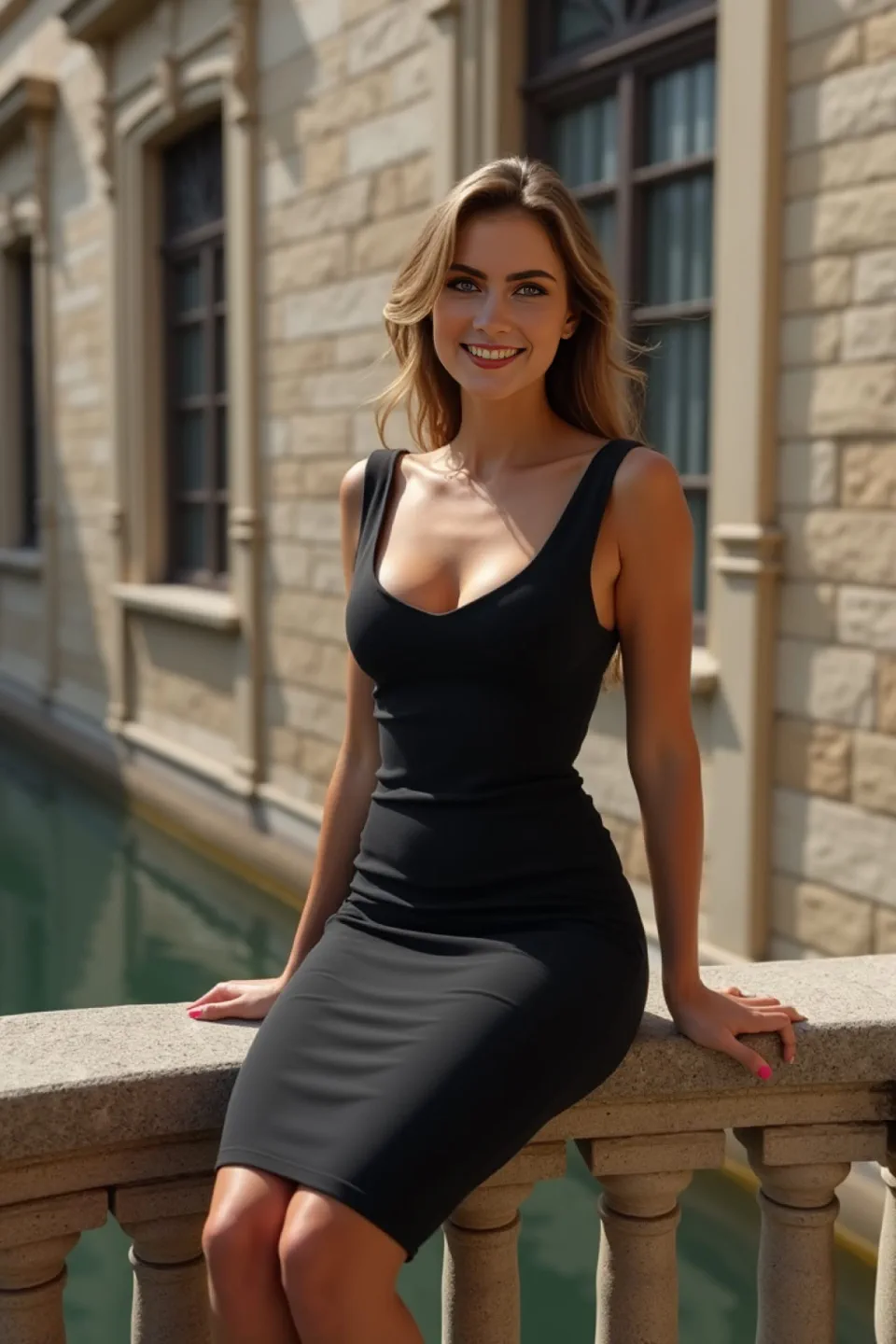
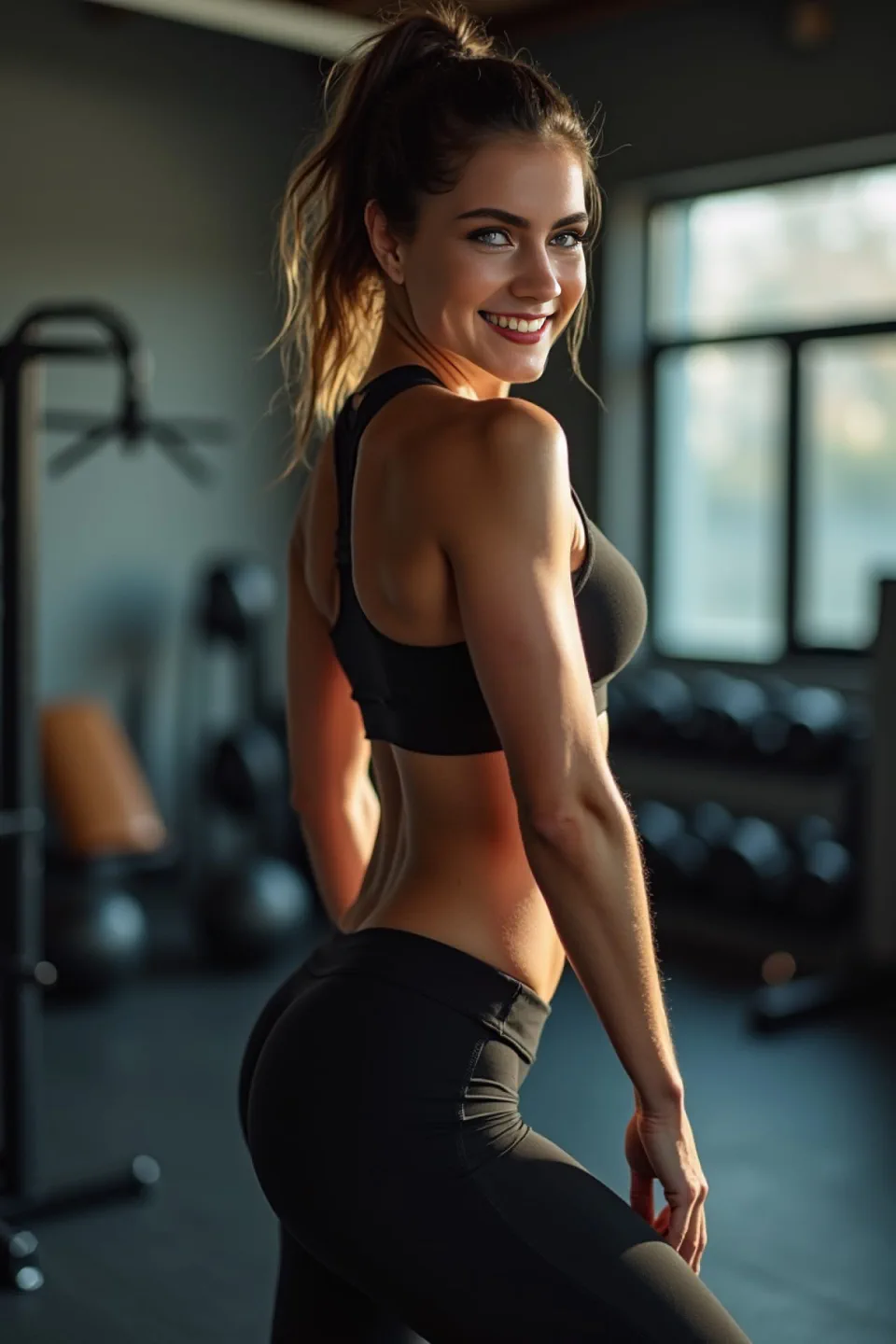
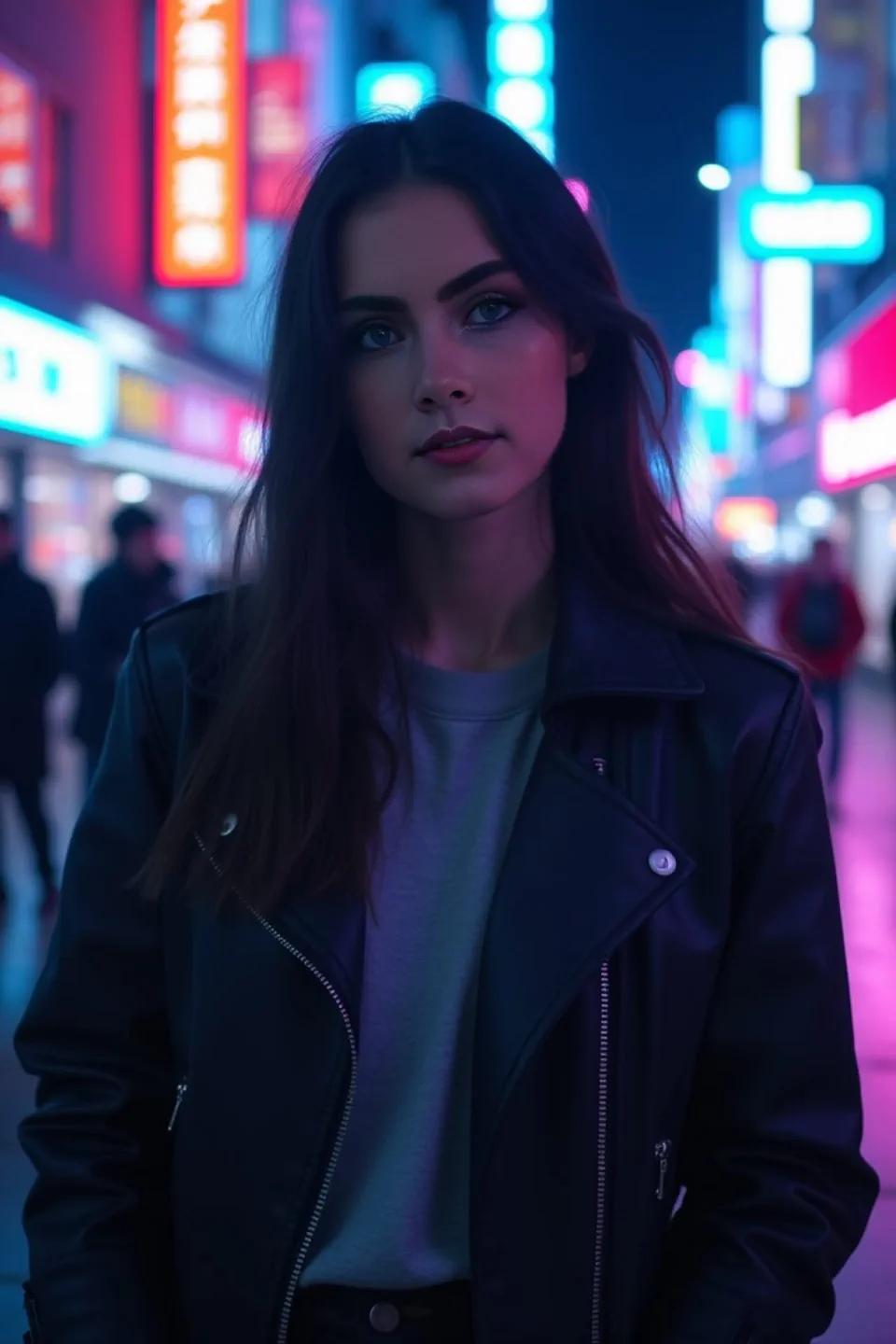
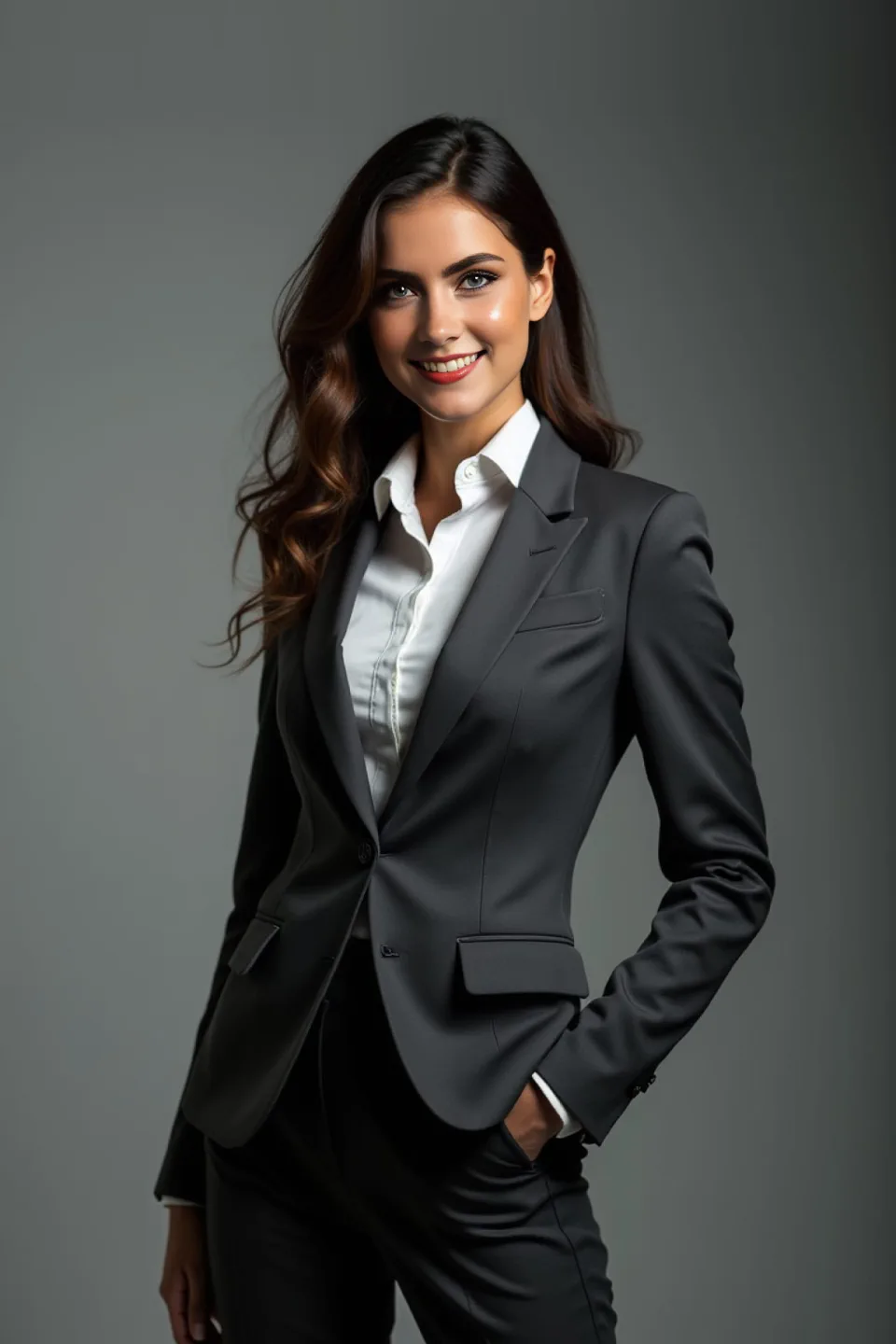
創作自由
支援人像、合照、商務照、動漫、卡通和影片等多種素材,自由切換風格。
模板寫真
內建專業模板,適合職業照、約會照、社群封面、迷因和影片化場景。
高清輸出
畫面銳利清晰,保留面部細節,可直接用於頭像與內容發布。
簡單快速
無需複雜設定,新手也能快速產出可用結果。
常見問題
AI職業頭像常見問題
如何把一張照片的人臉換到另一張照片上?
上傳自拍並選擇目標人像模板,FusionFaces 會在約 1 分鐘內完成融合並輸出高清結果。
可以用自拍生成職業形象照嗎?
可以。FusionFaces 會將你的面部特徵與職業人像風格融合,生成適合 LinkedIn、履歷和社群主頁的頭像。
有免費試用套餐嗎?
有。新用戶下載後可開啟 3 天免費試用套餐。
上傳照片的隱私如何處理?
上傳素材僅用於生成流程,並會在 12 小時內自動刪除。
立即開啟職業頭像 3 天免費試用
前往 App Store 下載並啟用免費試用套餐:
- 前往 App Store 下載
- 啟用 3 天免費試用套餐
- 1 分鐘生成人像結果
前往 App Store 下載並立即開啟 3 天免費試用。