使用步骤
3步生成职业AI头像
-
1. 上传自拍
选择五官清晰、光线均匀的照片。
-
2. 选择人像风格
用人像模板确定光线、姿势和视觉风格。
-
3. 检查并导出
检查结果后再选作个人资料头像。
Who should use this AI headshot landing page
This page is designed for professional profile intent: users preparing LinkedIn photos, resume assets, founder pages, or team introductions. The target is clean, business-usable output with minimal retouching.
Compared with generic face-swap intent, headshot traffic expects wardrobe consistency, neutral expression control, and credible skin texture. The workflow here prioritizes those constraints.
- Ideal for LinkedIn headshot, CV, and company profile photo updates.
- Useful for solo founders and distributed teams needing visual consistency across resume photo assets.
- Built for quick regeneration when style or background needs revision.
真实素材
前后对比与风格样片
职业头像
自拍处理前 职业头像处理前 职业头像处理后
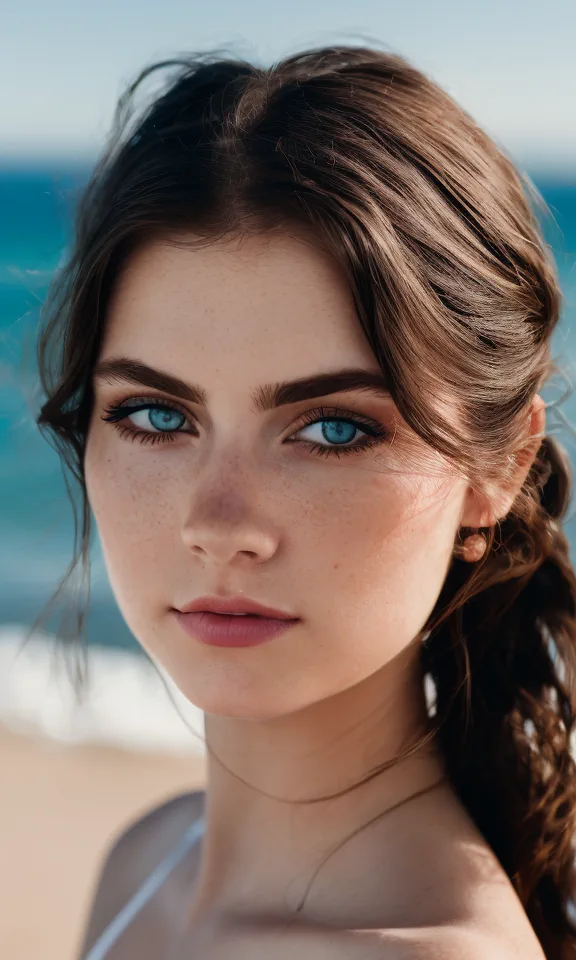
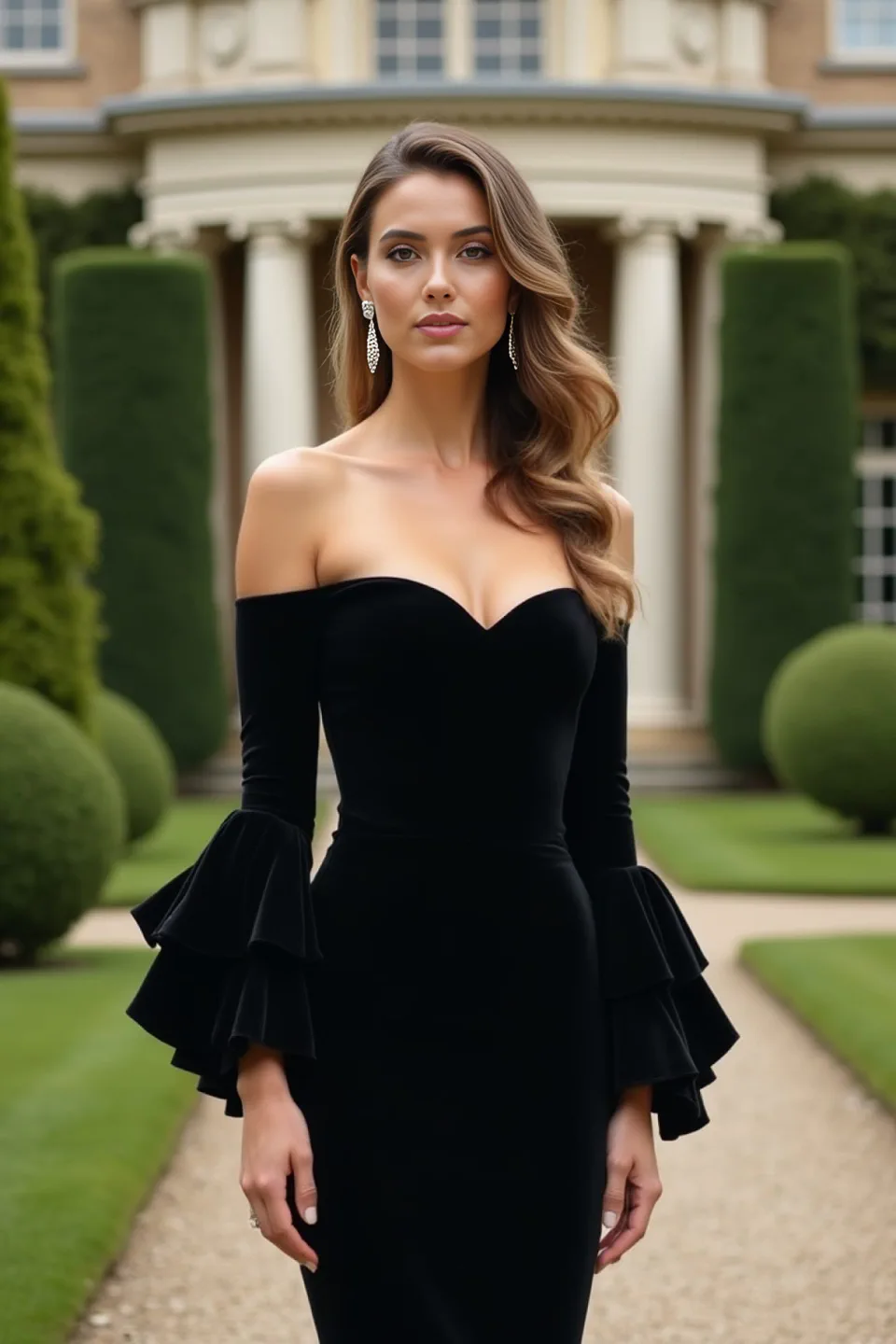
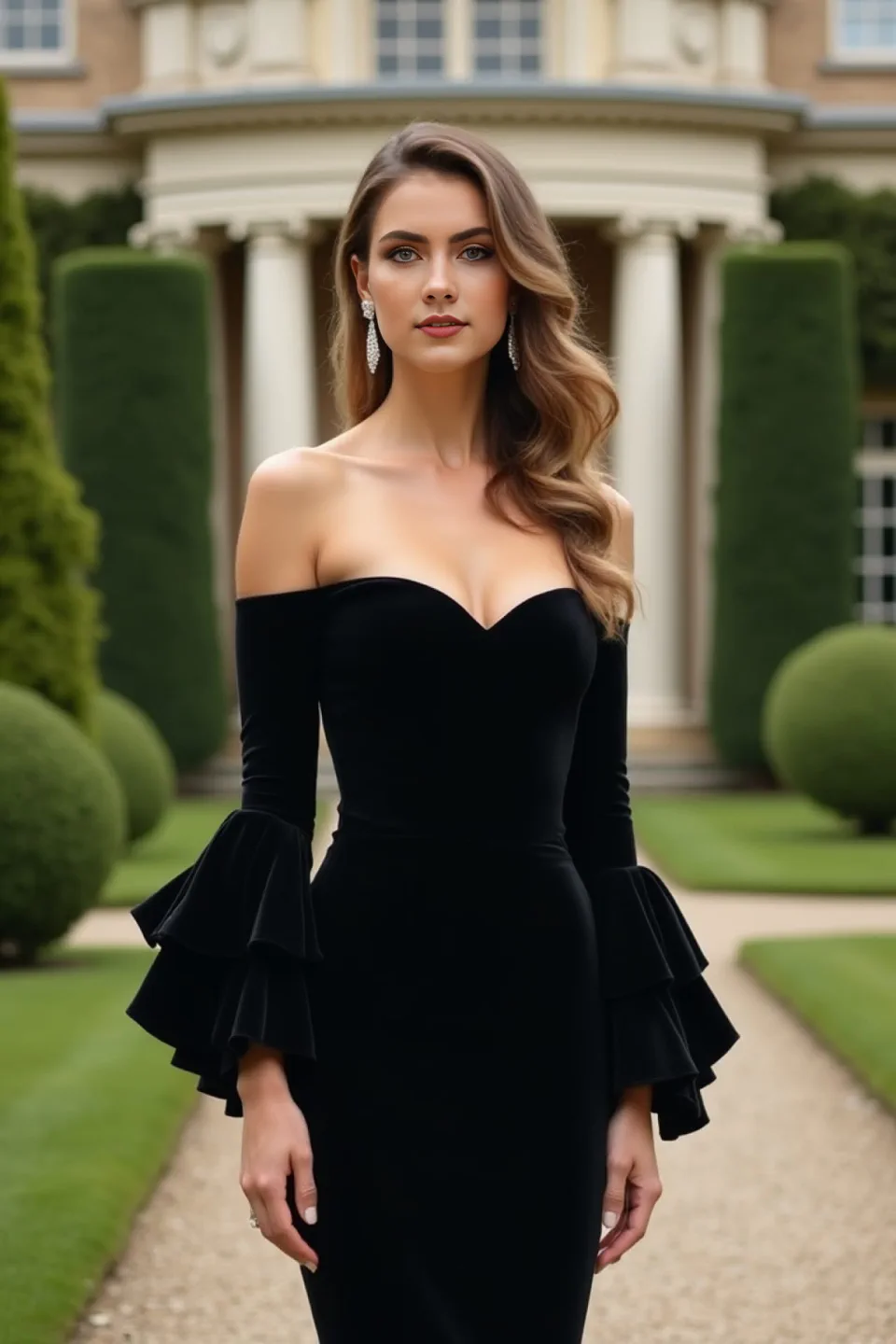
自拍风格化
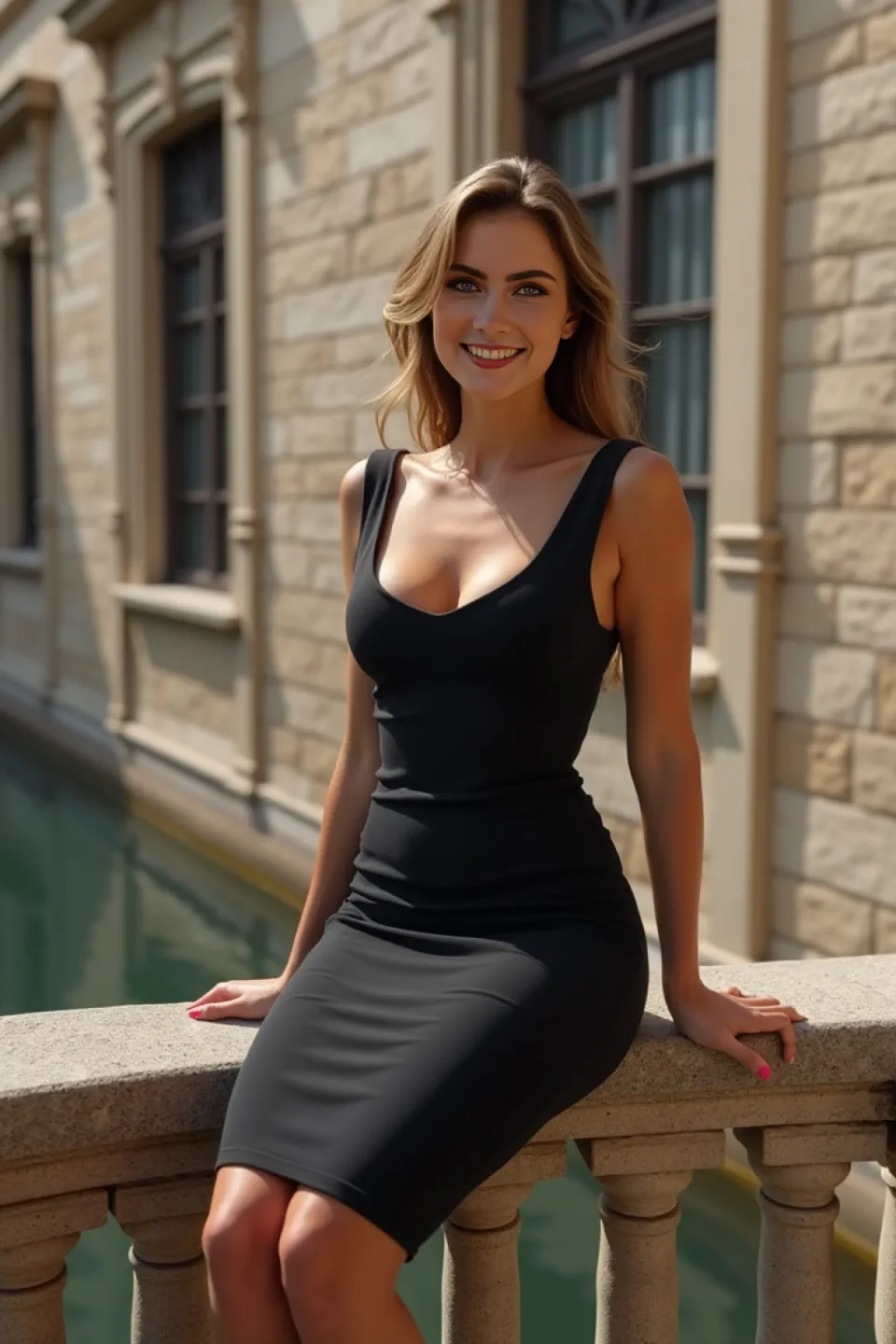
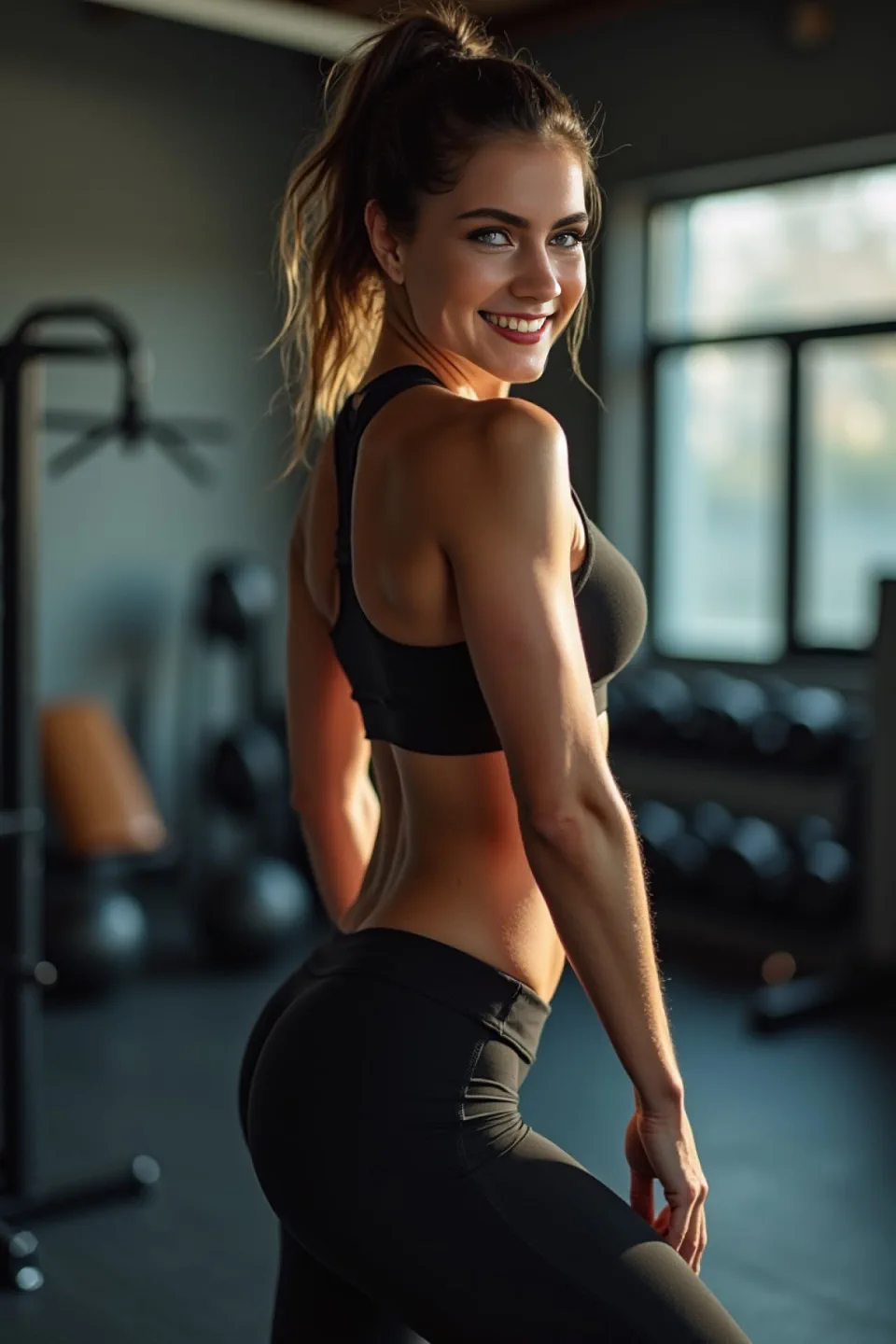
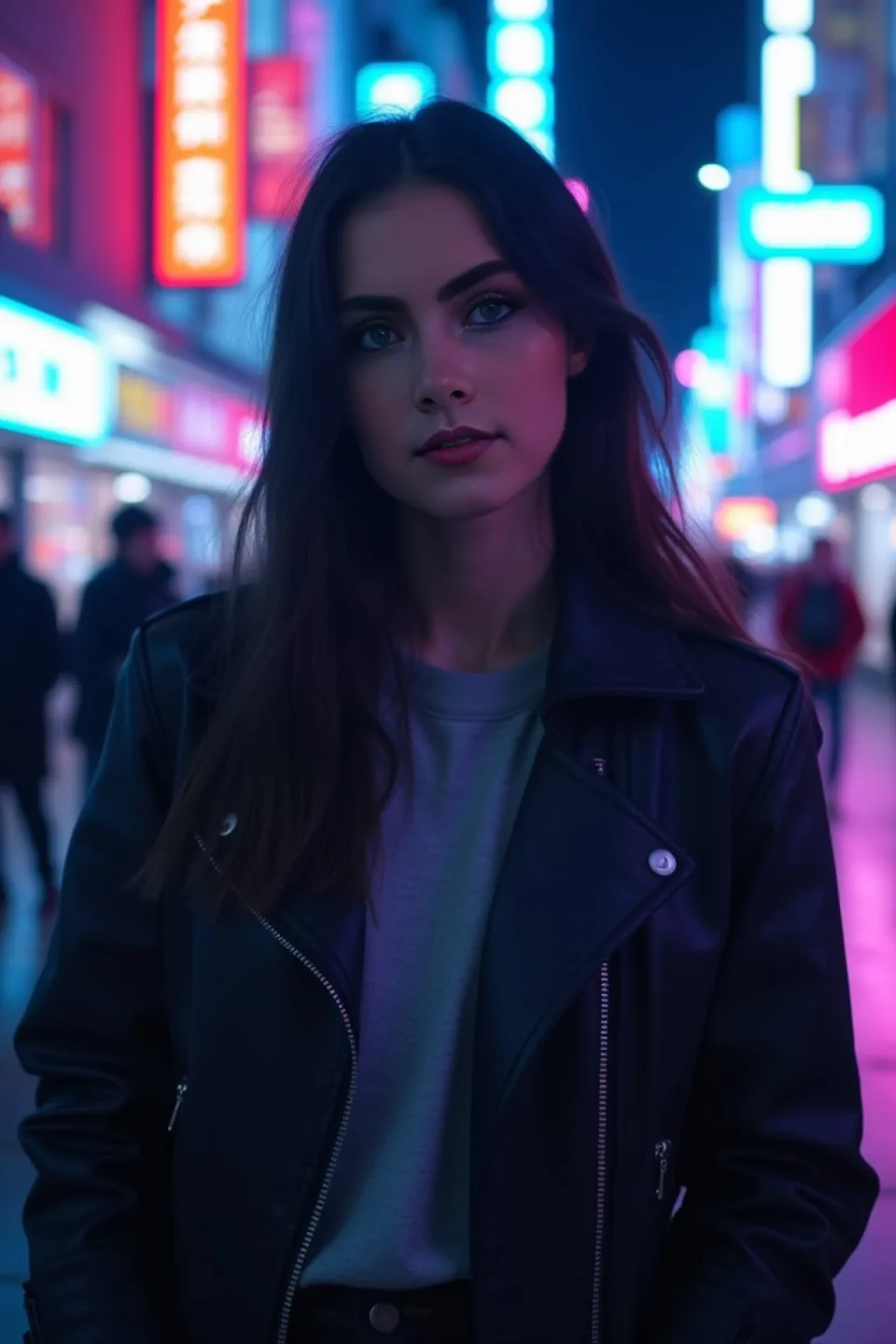
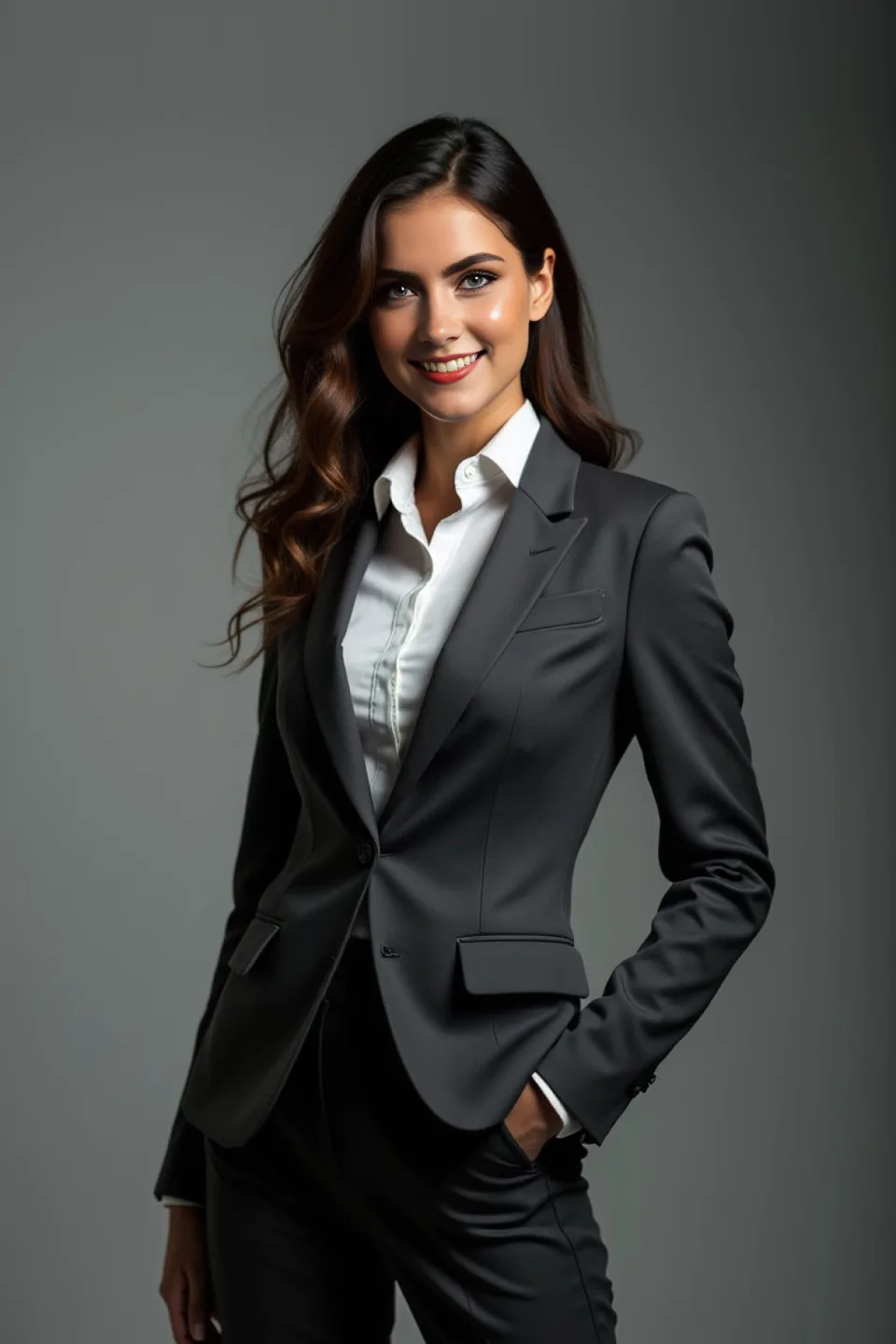
创作自由
支持人像、合照、商务照、动漫、卡通和视频等多类素材,风格切换自由。
模板写真
内置专业模板,适合职业照、约会照、社媒封面、表情包和视频化场景。
高清输出
输出锐利清晰,保留面部细节,适合直接用于头像和内容发布。
简单快速
无需复杂设置,新手也能快速上手并获得可用结果。
常见问题
AI职业头像常见问题
如何把一张照片的人脸换到另一张照片上?
上传自拍并选择目标人像模板,FusionFaces 会在约 1 分钟内完成融合并导出高清结果。
可以用自拍生成职业形象照吗?
可以。FusionFaces 会将你的面部特征与职业人像风格融合,生成适合 LinkedIn、简历和社交主页的头像。
有免费试用套餐吗?
有。新用户下载后可开启 3 天免费试用套餐。
上传照片的隐私如何处理?
上传素材仅用于生成流程,并会在 12 小时内自动删除。
立即开启职业头像 3 天免费试用
前往 App Store 下载并激活免费试用套餐:
- 前往 App Store 下载
- 激活 3 天免费试用套餐
- 1 分钟生成人像结果
前往 App Store 下载并立即开启 3 天免费试用。