
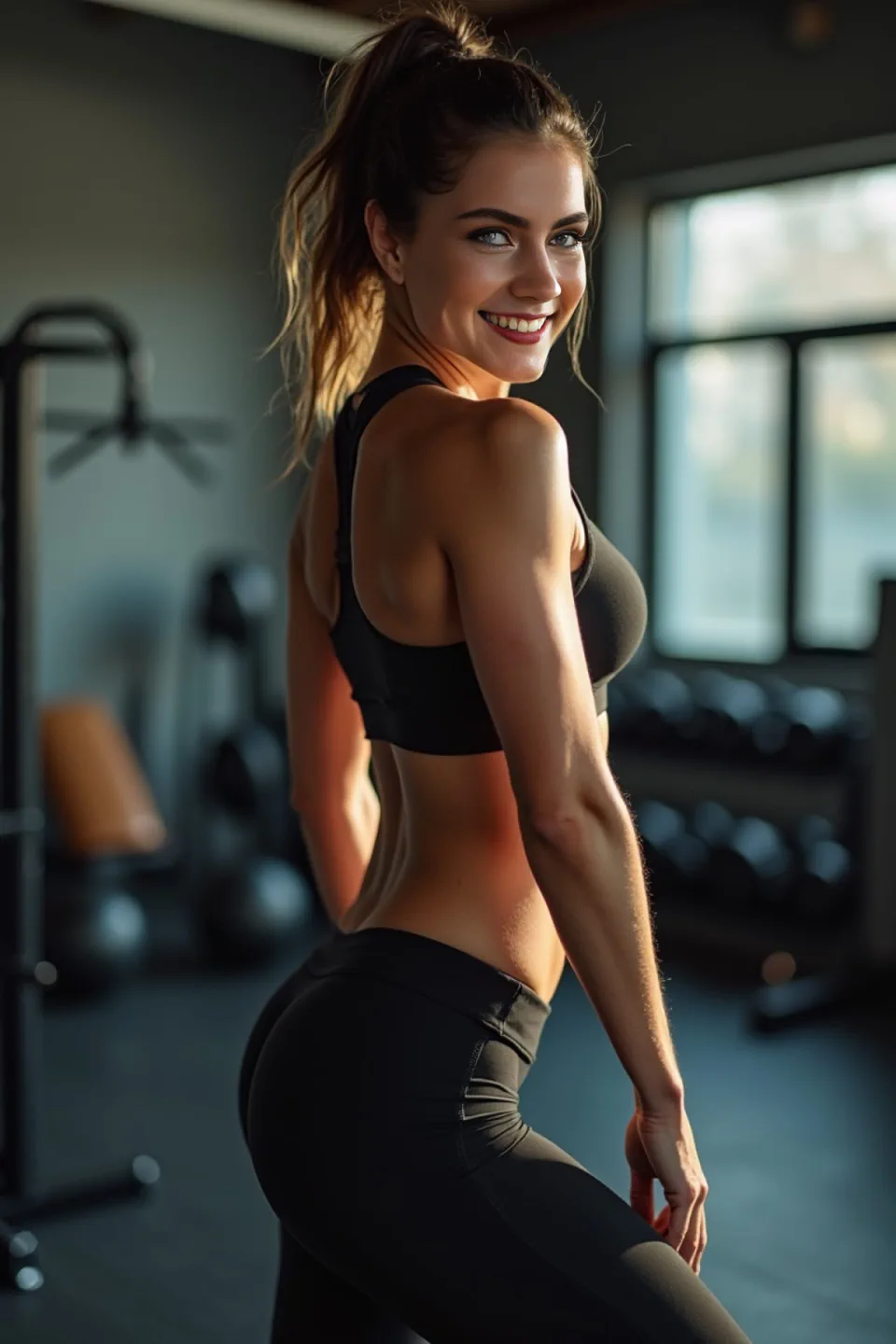
Use case: Dating profile optimization
Create better dating profile photos from one selfie
Dating profile intent is different from formal profile intent: users need authentic, attractive, and varied visuals. FusionFaces lets you generate multiple style options quickly so you can test what performs best.
What usually improves dating profile performance
Strong dating photos balance realism and style variety. Instead of using one image everywhere, build a small set with different tone and framing.
- Use one clean headshot and one casual close-up variant.
- Prefer natural lighting styles over heavy effects.
- Keep face visibility high and avoid cluttered backgrounds.
Workflow
Dating Photo Workflow in 3 Steps
-
1. Upload a current selfie
Use a recent image that reflects your current look.
-
2. Generate multiple style variants
Create both polished and casual options for profile diversity.
-
3. Export and test
Use the best-performing variants and refresh periodically.
FAQ
Dating Profile Photo FAQ
How many photos should I prepare?
Start with 3-4 photos across different styles and expressions.
Can I keep it natural-looking?
Yes. Choose style templates with realistic lighting and minimal retouching.
Do you offer a trial package?
Yes. New users can activate a 3-day free trial package after download.
How is uploaded media handled?
Uploaded media is processed for generation and automatically deleted within 12 hours.
Dating profile photo playbook
Generate and compare style variants, then use a simple testing loop to select top performers.
Privacy checklist for personal photos
Review consent and image-safety basics before uploading personal photos for profile use.
Selfie to Portrait Product Page
Convert casual selfies into profile-ready outputs with stable lighting and composition.
Meme Face Swap Case
Create social-friendly variants from the same base photos for broader content testing.
Build your dating photo set now
Download on App Store and start a 3-day free trial package.
Start 3-Day Free Trial